
Recording
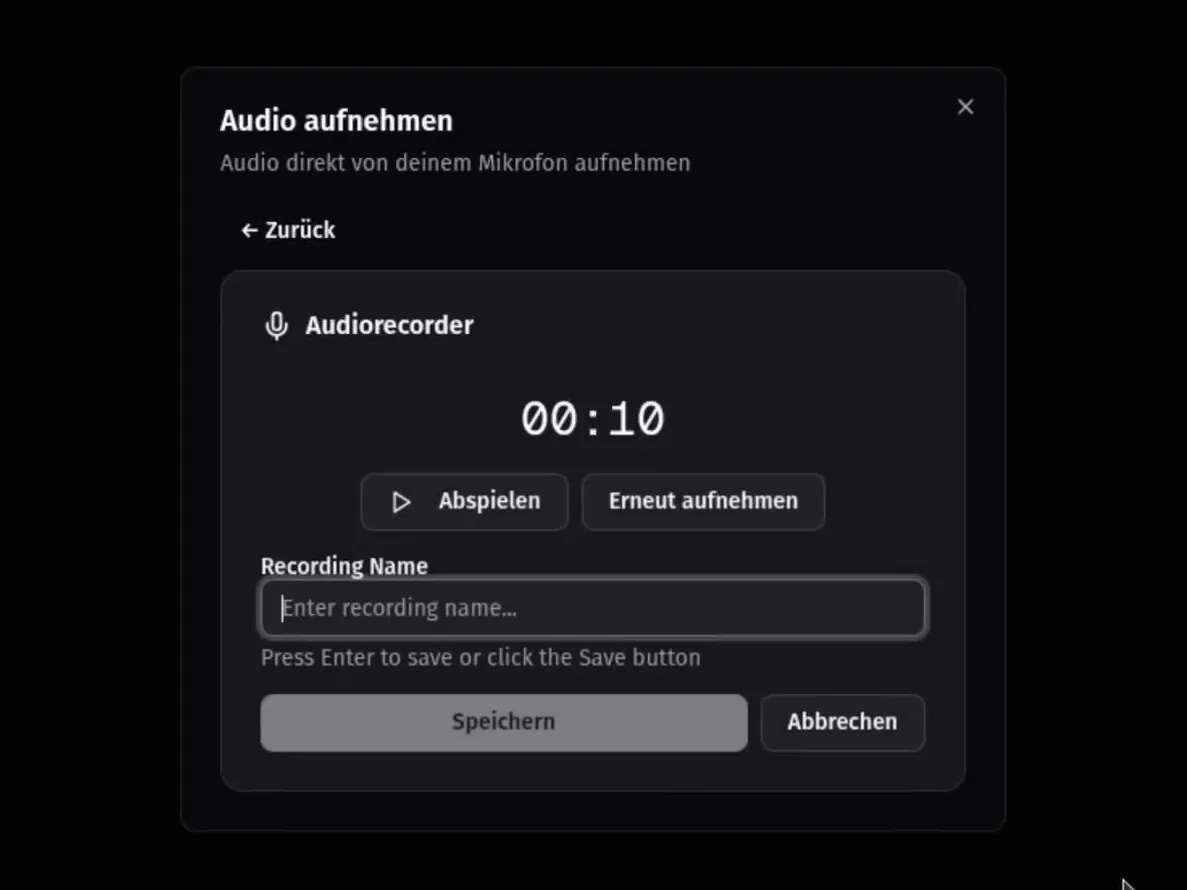
Start the recorder in your browser and save when the meeting ends. Recordings can also arrive on their own, see automatic transcription.
Scriber is self-hosted, on-premise meeting transcription. Record a meeting, and shortly after it ends, the transcript, a summary, and the finished minutes are on your desk. It runs entirely inside your own infrastructure, engineered in Europe, and no recording ever leaves your control.


Scriber is installed on your servers and runs there entirely. No external servers, no third-party processors, and absolutely no transmission over the internet. Your recordings, transcripts, and minutes stay yours alone.
No internet connection is needed, including on an air-gapped network. Nothing in Scriber calls out.
Recordings, transcripts, and minutes are written to your own storage. You set retention, backup, and deletion.
Personal data in a recording is processed only on your systems, so no cloud processor touches it and no transfer outside the EU takes place.
On-premise transcription in detailSelf-hosted vs. cloud transcription
This is Scriber with its browser interface; it also runs without one, as automatic transcription only.
Start the recorder in your browser and save when the meeting ends. Recordings can also arrive on their own, see automatic transcription.
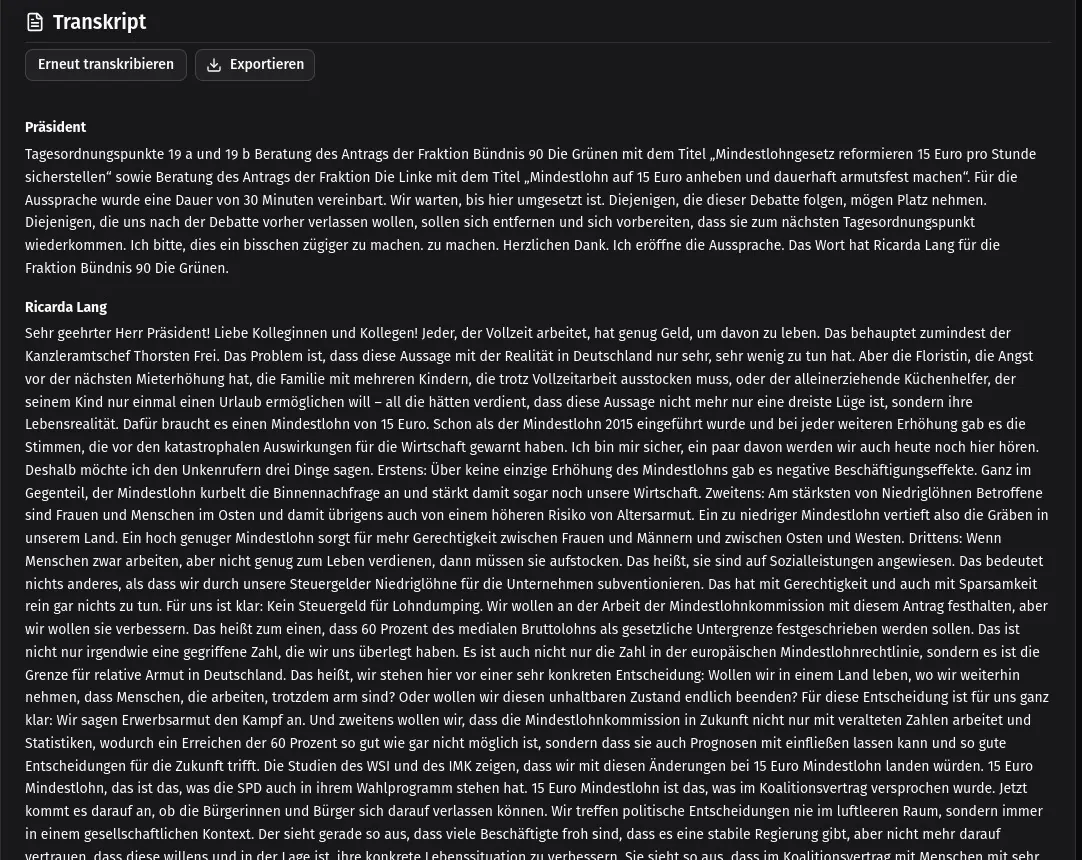
Who said what, word for word. Each contribution is attributed to its speaker by our own speaker-separation pipeline, so the record can be quoted with confidence.
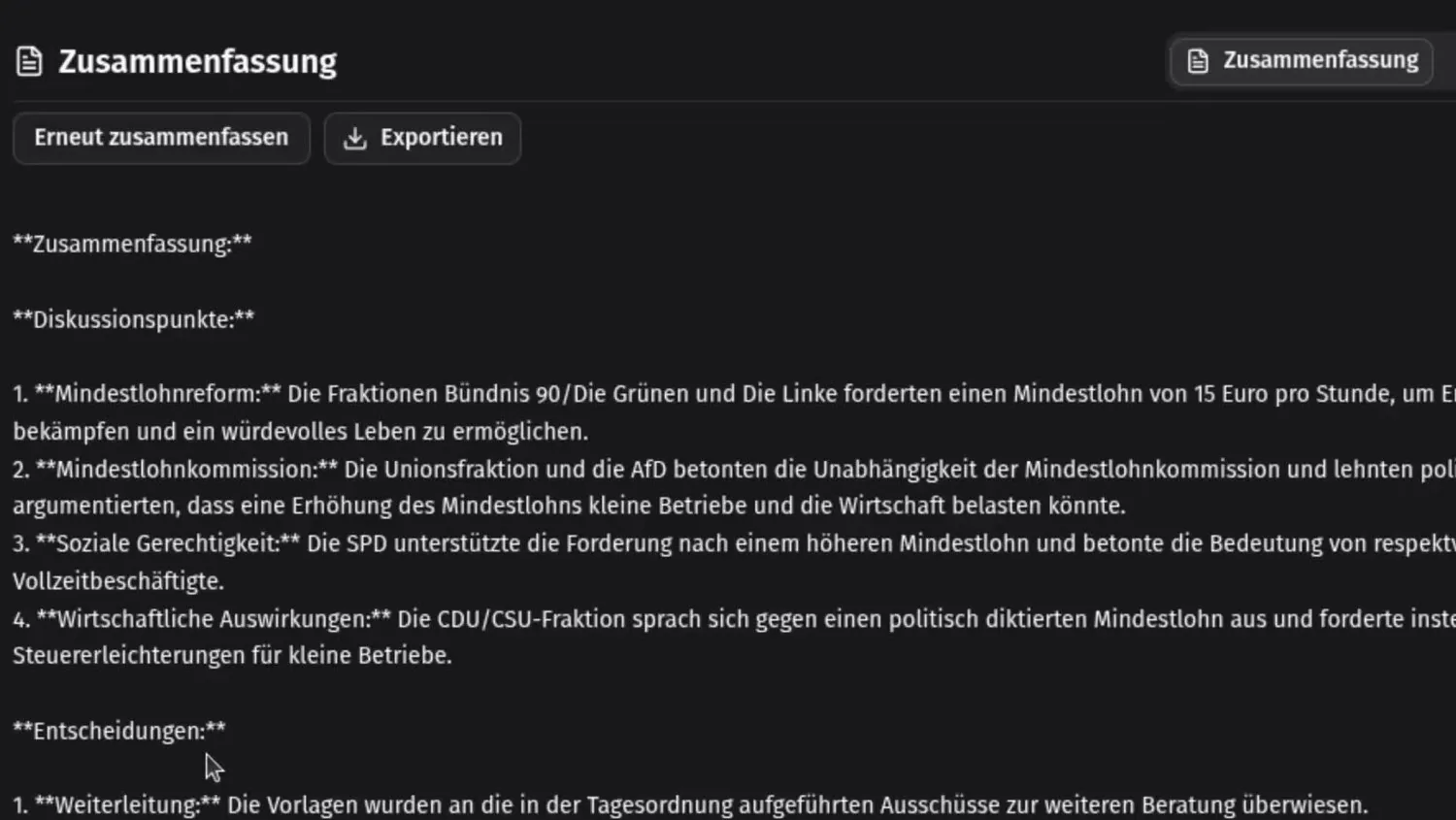
The discussion points and decisions, pulled from the transcript into a short list you can read before the full record.
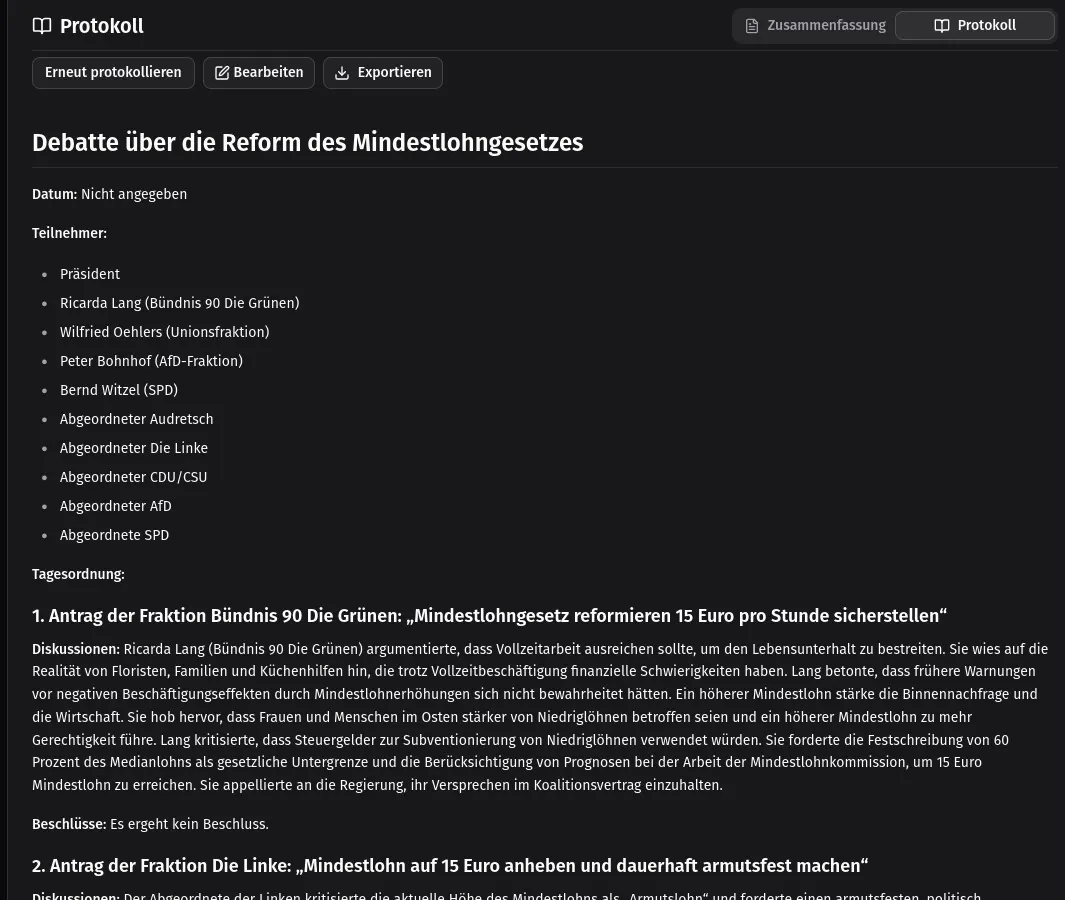
The finished minutes, generated from the transcript: title, date, and attendees, then each agenda item with its discussion and the decision taken. Ready to circulate.
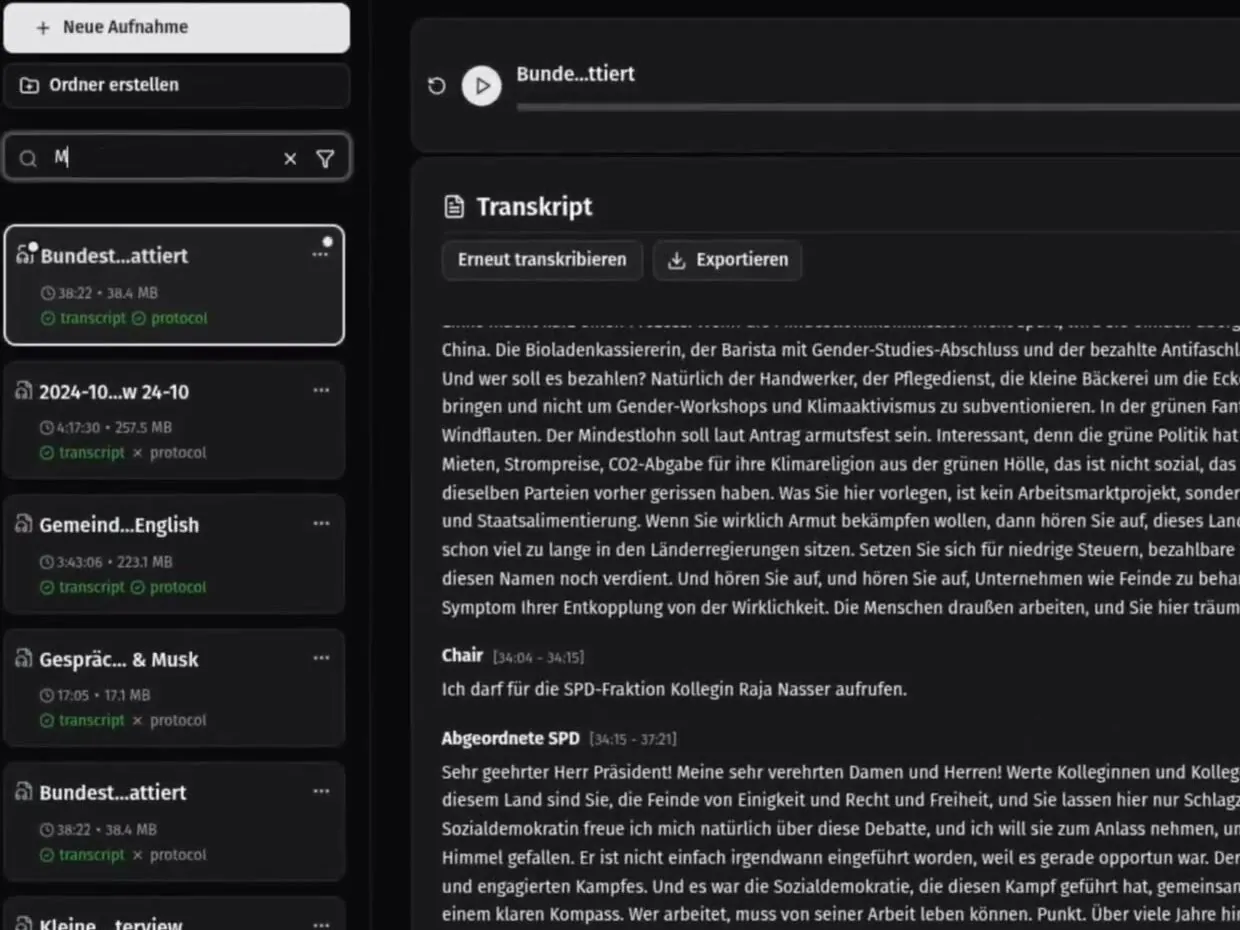
Every recording in one library, with its duration, file size, and whether the transcript and minutes are done. Search across all transcripts to find the meeting, then the sentence.
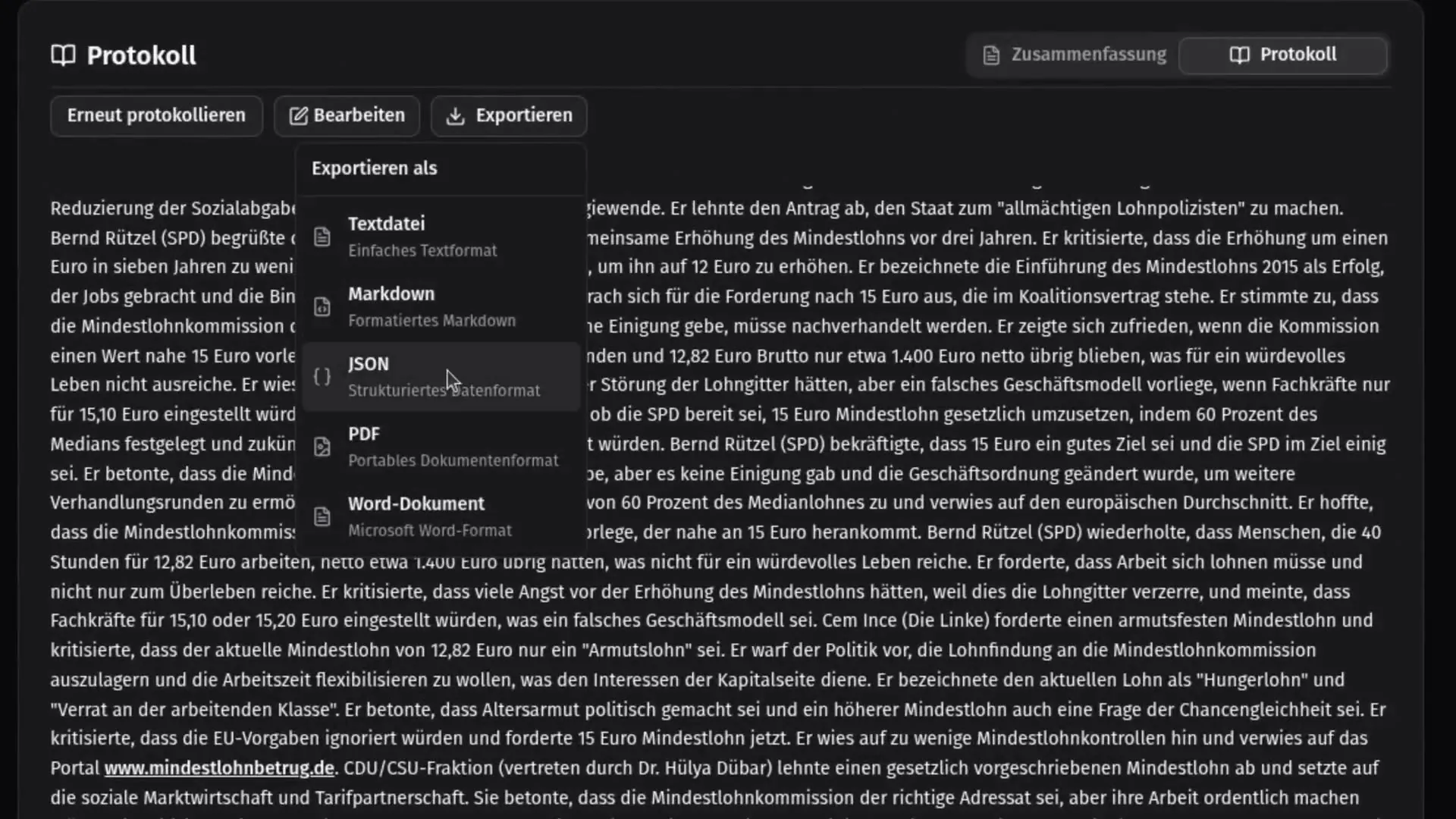
Take a transcript or the minutes out as PDF, Word, plain text, Markdown, or JSON, into the systems you already use.
Scriber does not wait for anyone to press a button. Point it at the place where your recordings land, and every file that arrives comes back transcribed, with the summary and the minutes.
From your conferencing tool, phone system, or dictation device: recordings land in a watched folder on the server, an S3-compatible bucket, or a mounted network share.
Each recording is transcribed as it arrives, speaker-separated, and formatted according to your preferences.
Transcript, summary, and minutes are written as JSON, PDF, Word, plain text, or Markdown to the folder or network share you choose. Automatic transcription runs unattended inside your network; nobody needs to open a UI.
Scriber runs this way alone, with no browser interface at all. The summary and minutes are optional; you decide what you want delivered.
Project Managers, Product Owners, and Team Leads get the transcript, summary, and minutes without having to talk to other people or type a single word.
Hours of interviews and focus groups, transcribed and searchable, ready for analysis instead of typing.
Lectures, seminars, and training sessions become notes and study material, transcribed on your own infrastructure instead of by hand.
Client meetings and proceedings become precise, quotable records, without the recording ever leaving the firm.
Focus on the patient, not the paperwork. Consultations become structured reports inside your own network.
Podcasts, webinars, and video recordings turned into text for show notes, subtitles, and articles, without uploading them anywhere.
We go through your requirements, compliance obligations, and existing infrastructure, and agree where Scriber will run and what it may connect to.
We install and configure Scriber on your hardware, set up your minutes template, and connect it to the systems you already use.
From then on Scriber runs entirely within your internal network. Your data never leaves your premises.
Self-hosted means the transcription software runs on your own servers instead of a provider's cloud. With Scriber, recordings, transcripts, summaries, and minutes are processed and stored entirely on infrastructure you control, and no audio is ever sent to an external service.
Yes. Scriber is installed on-premise and works fully offline, including on an air-gapped network. Nothing in it calls out, so processing needs no internet connection at all.
Yes. Automatic transcription is built in: recordings that land in a watched folder on the server, an S3-compatible bucket, or a mounted network share are transcribed as they arrive, speaker-separated. The summary and minutes are then delivered to the folder or share you choose.
On-premise deployment keeps the personal data in a recording on your own systems: no cloud processor touches it and no transfer outside the EU takes place. That makes GDPR compliance a property of the architecture rather than a contractual promise.
Requirements depend on your usage volume. Typically, you need a dedicated server with GPU support. We provide individual consultation to find the optimal configuration for your needs.
After the initial consultation, our team will plan and evaluate your requirements. We offer an optional pilot program, and upon mutual contractual agreement, we will start with the deployment. The entire installation typically takes 1-2 business days, with testing and trickle implementation over the next days until full deployment.
Engineered in Europe, installed on your infrastructure, so your confidential conversations never leave your control.
Tell us what you are evaluating and we will reply to schedule the initial consultation.
A hosted preview exists for a first look. It is a demo, not the product: keep confidential recordings for your own installation. Open the demo